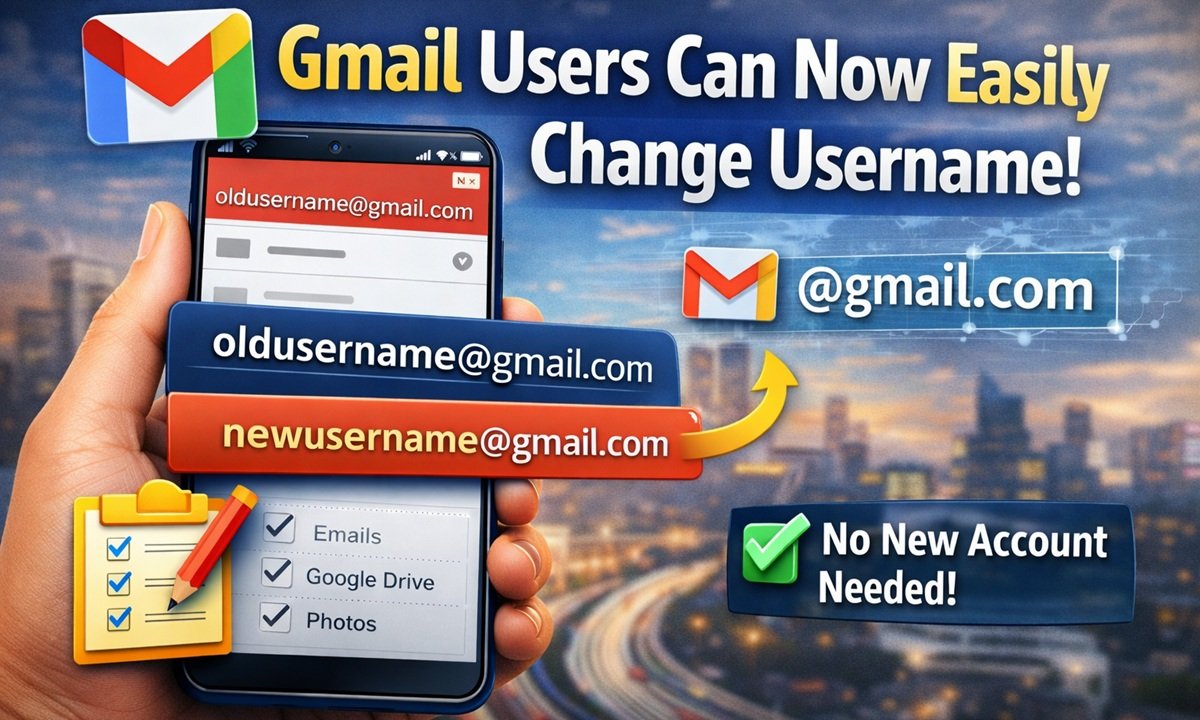
There’s exciting news for Gmail users! Google has introduced a new feature that may solve one of the biggest problems users have faced for years.
Now, you may be able to change your Gmail username—the part before @gmail.com—without creating a new account.
✨ What’s New in This Update?
With this new update, users can modify their Gmail username easily. This means you no longer have to stick with an old or awkward email ID.
Earlier, if someone didn’t like their email address, the only option was to create a new account. But now, things are getting simpler and more flexible.
😓 The Problem Users Faced Before
Until now, Gmail did not allow users to change their username once the account was created.
Because of this, users had to:
- Create a new Gmail account
- Transfer emails, photos, and files
- Update their email everywhere
This process was not only time-consuming but also frustrating.
✅ How This New Feature Helps
With the new feature, you can:
- Change your username without losing data
- Keep all your emails, files, and photos safe
- Avoid creating a new account
This makes it much easier to manage your digital identity.
⚙️ How to Change Your Gmail Username
Google has made this feature simple to use. Here’s how it works:
- Go to your Google Account Settings
- Open the Personal Info section
- Look for the option to edit your username or email address
- Choose a new username (if available)
- Confirm the changes
Once updated, your new username will become your new login for Gmail and other Google services.
🌐 Where Is This Feature Available?
Right now, this feature has been rolled out for users in the United States.
Users in other countries, including India, may need to wait a little longer. Google has not officially confirmed when it will be available worldwide, but it is expected to expand gradually.
🚀 Final Thoughts
This new Gmail feature is a big step forward for users who want more control over their email identity. It saves time, effort, and makes managing your account much easier.
If you’ve ever wanted to change your Gmail username, this update could be exactly what you were waiting for!